









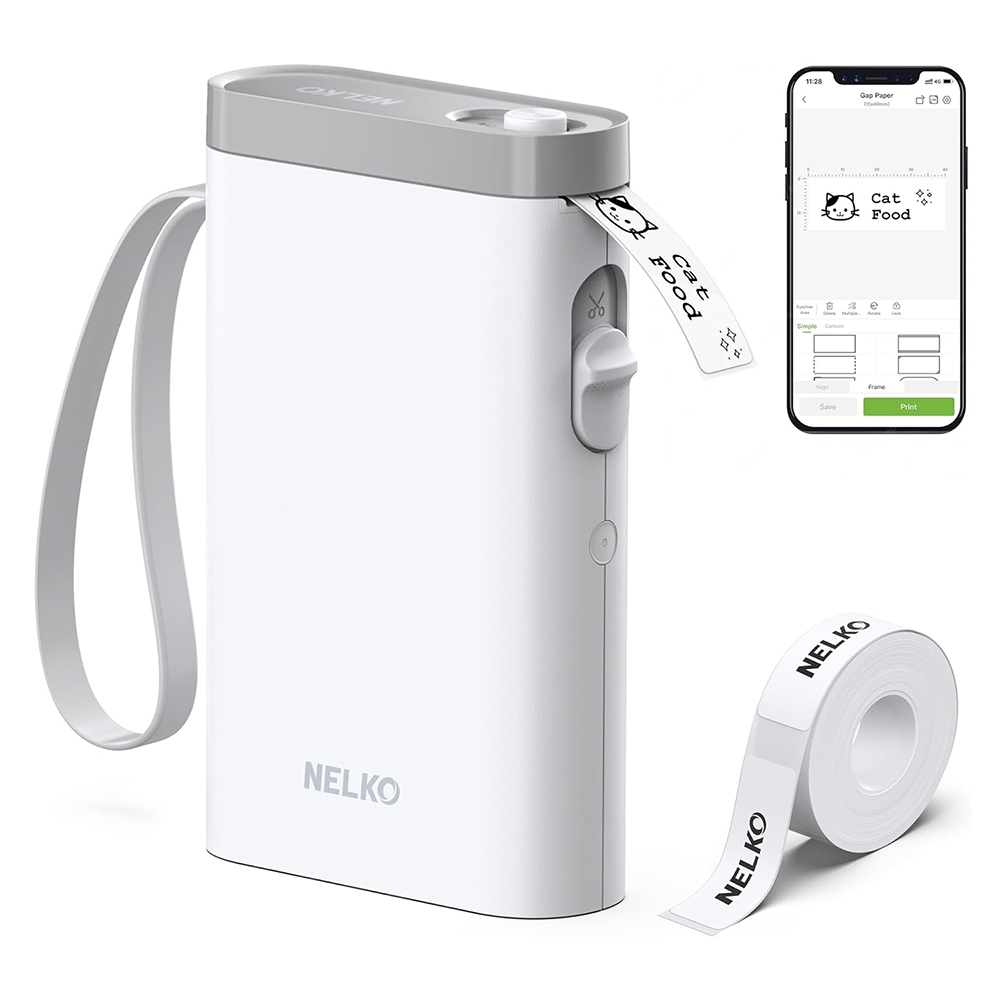
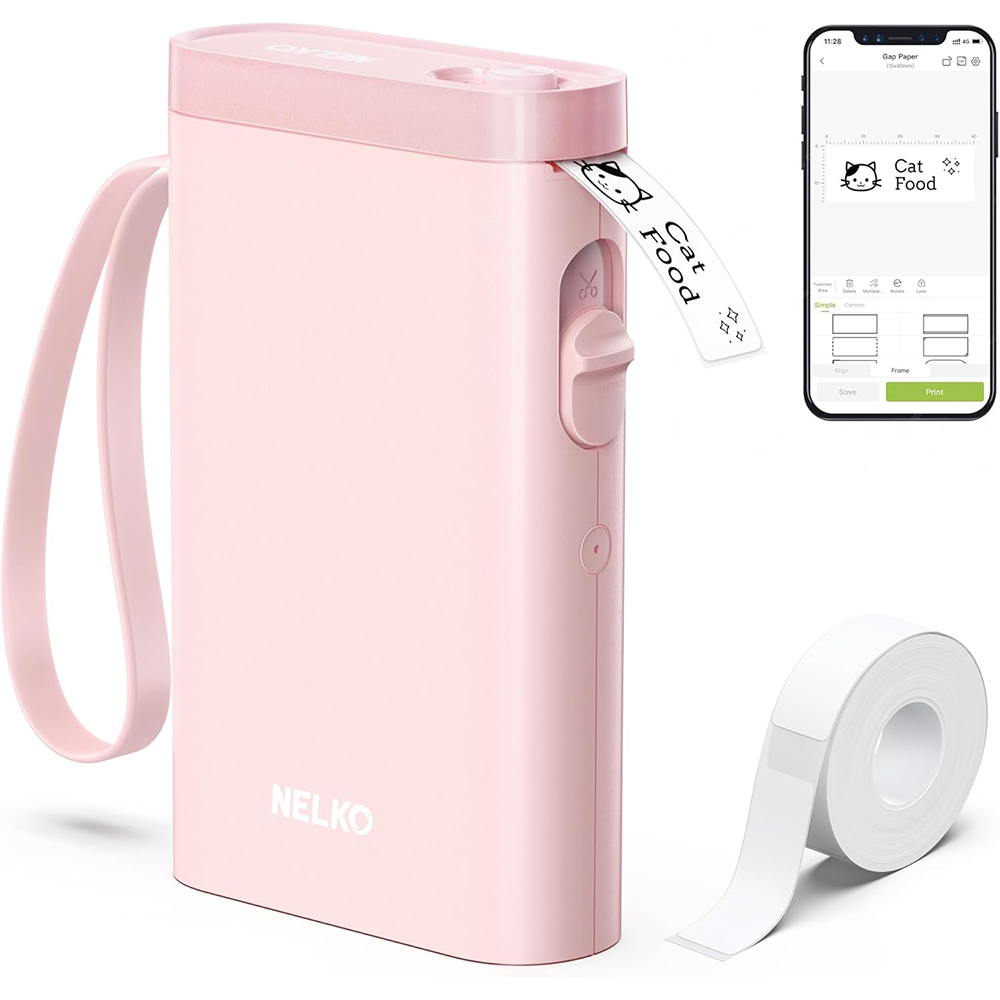
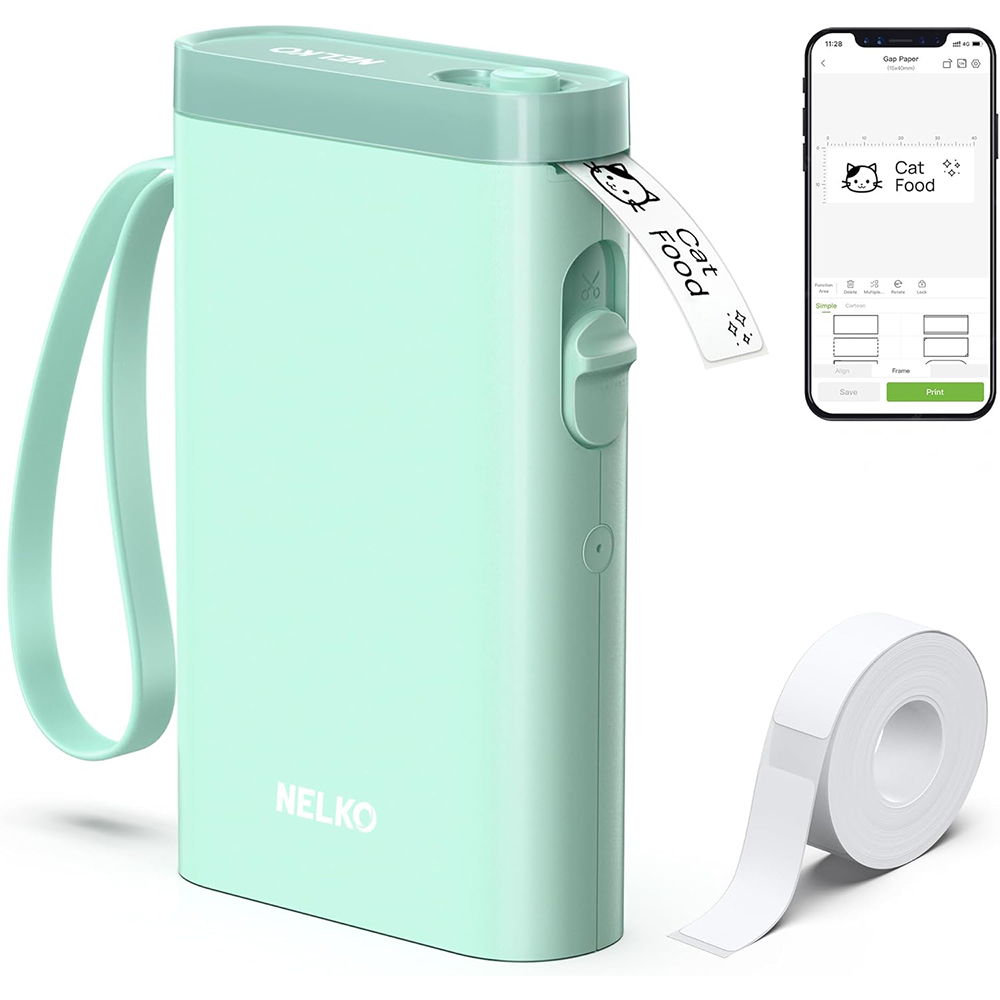
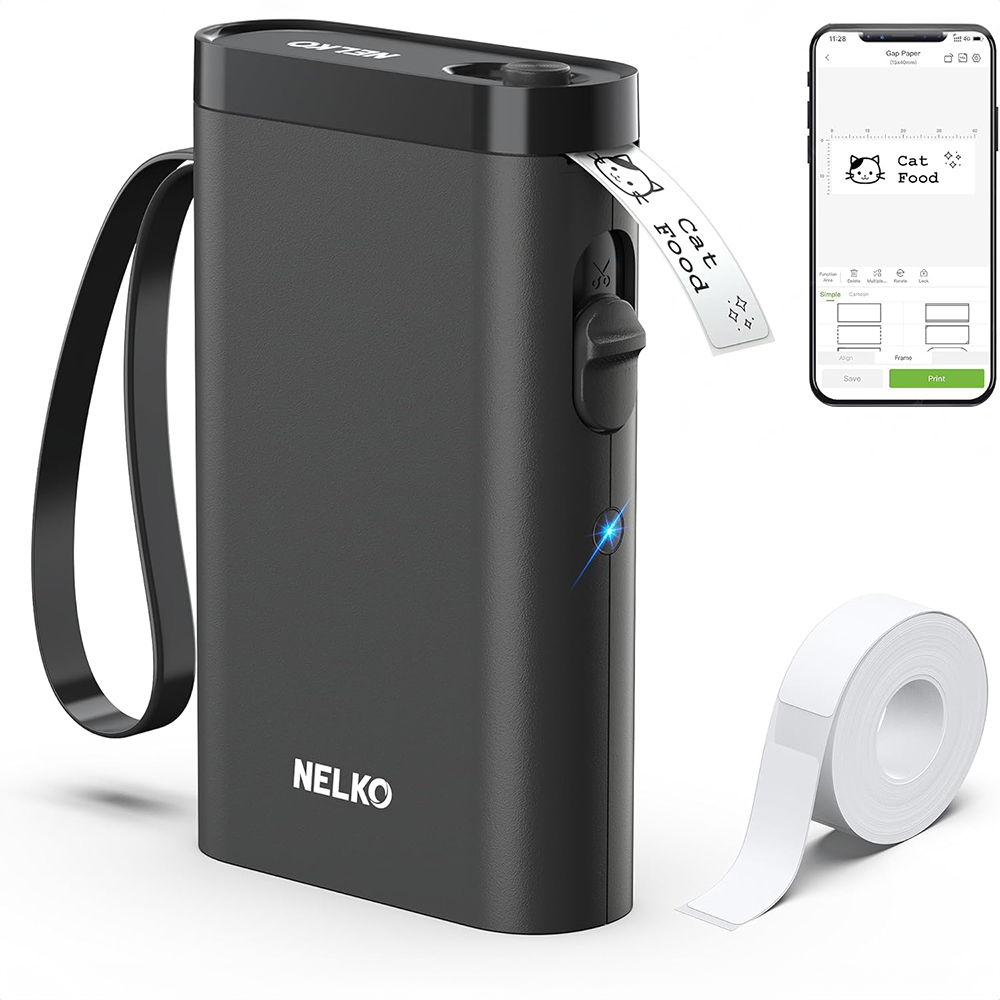
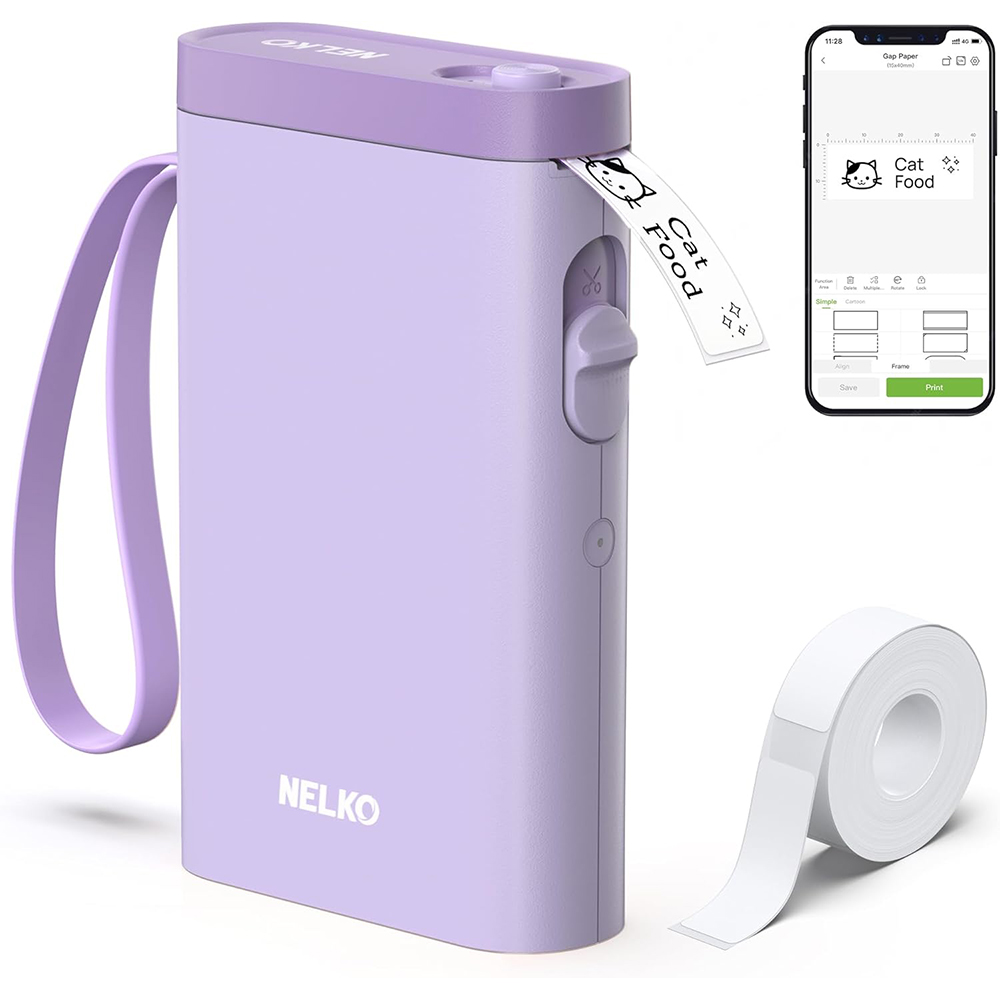
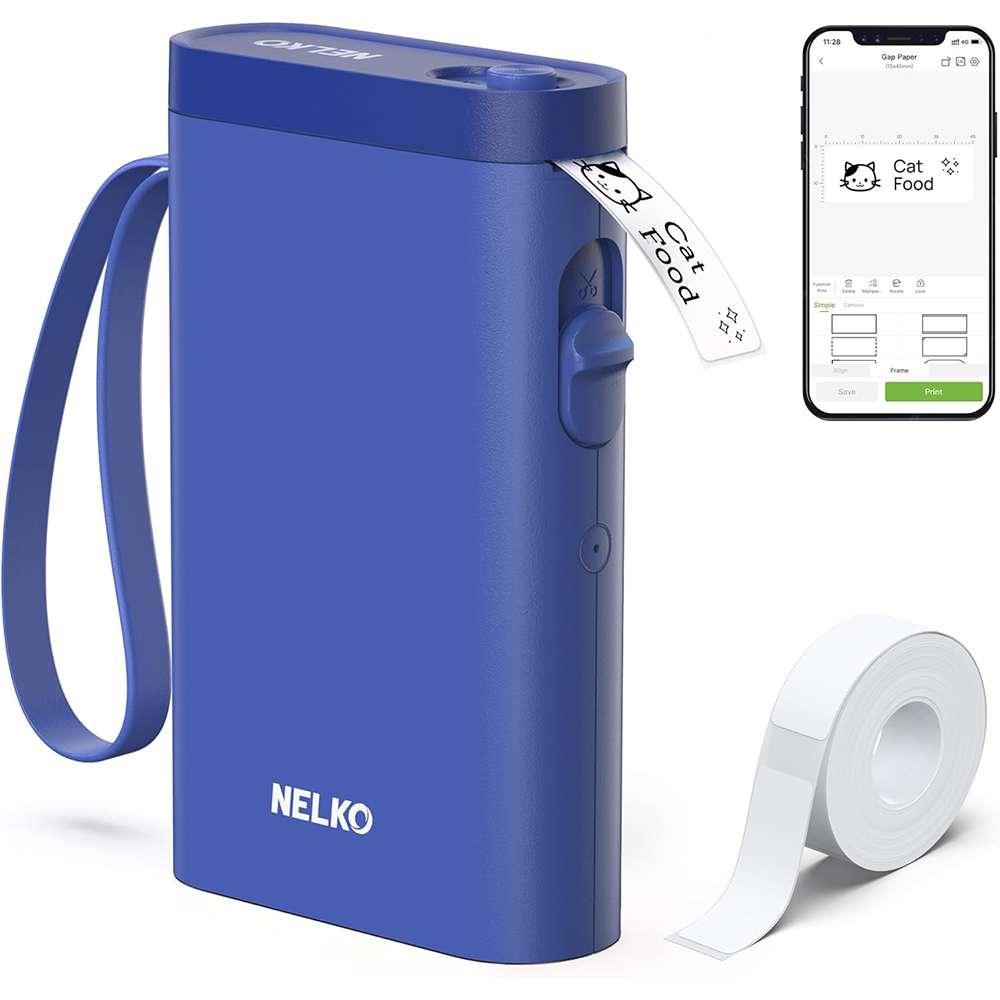
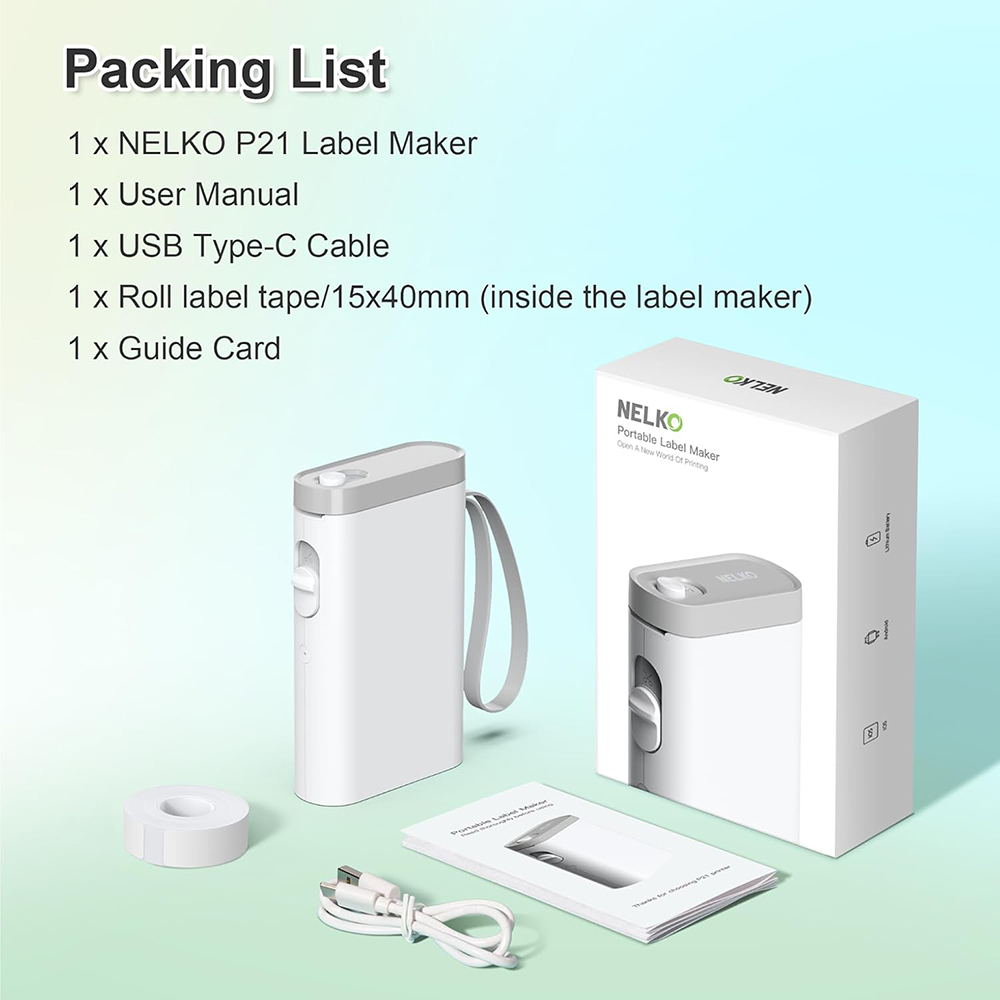
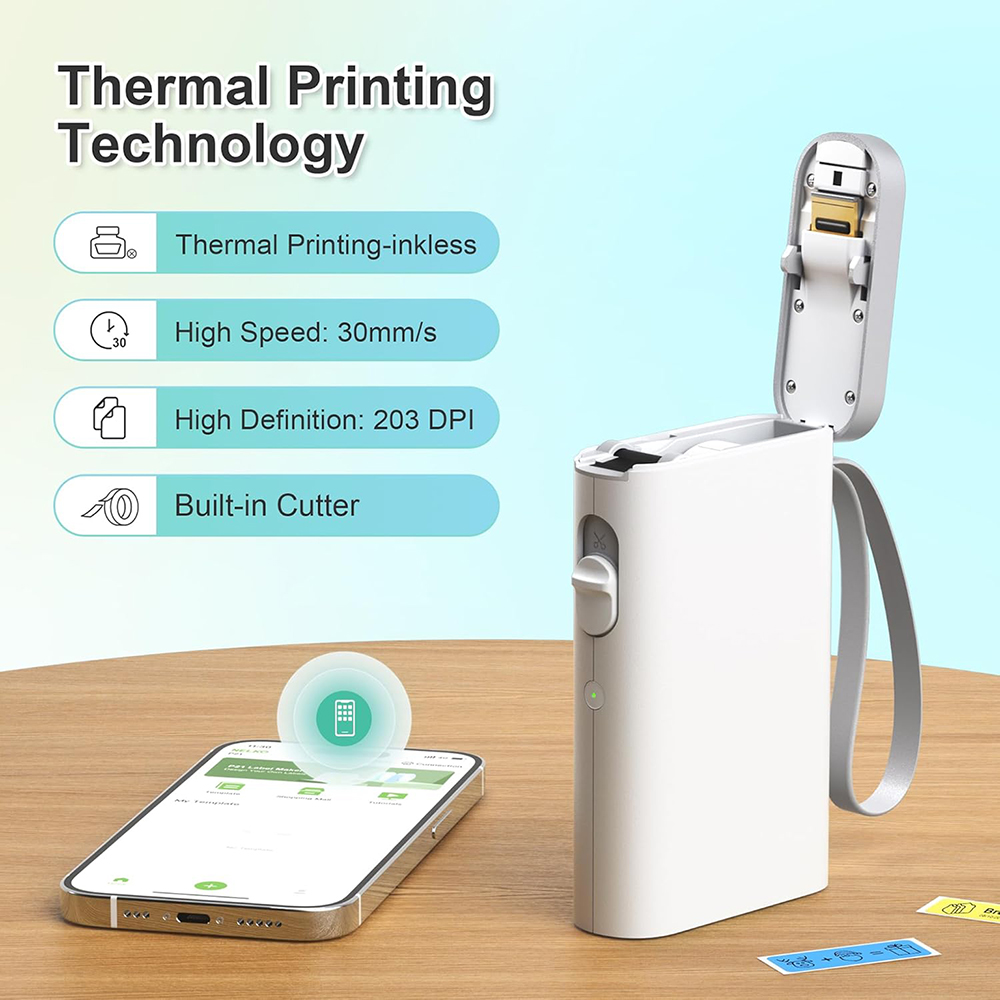
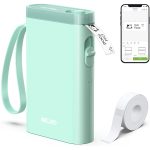
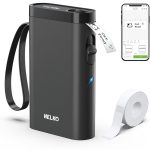
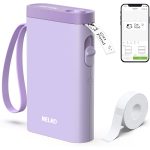
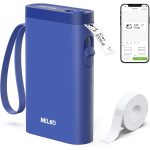
17.00 USD Original price was: 17.00 USD.8.50 USDCurrent price is: 8.50 USD.
You must be logged in to post a review.

No account yet?
Create an Account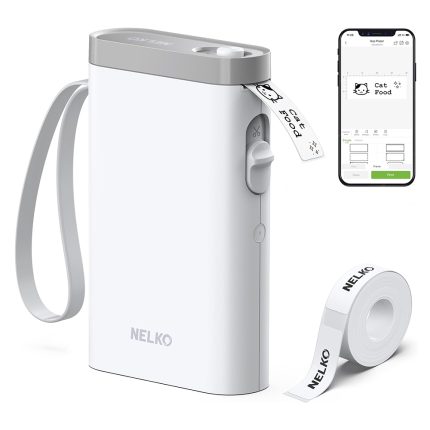
I started by printing a label for our post box outside our gate and our gate call button. I then moved into my home office and labeled my computer tools, glass case, computers and so on.
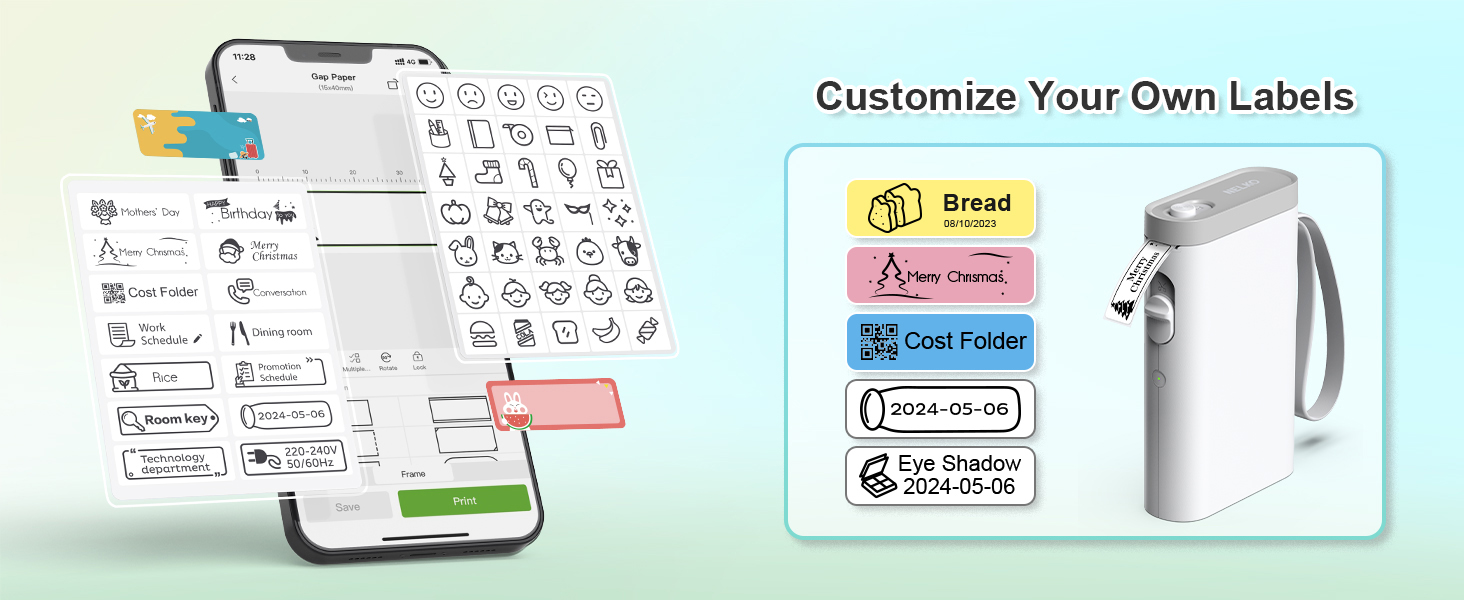
My wife got a hold of it and was impressed at how easy it was to setup on her phone, and then the artist in her came out, and she went crazy. She added a pizza picture with the pizza that was placed into the refrigerator. Our coffee containers now have a cup of coffee in the middle of the word "Luv" for Luv my coffee to name a few home items that she labeled. She then took it to school and started labeling her kids pencil boxes among other things.
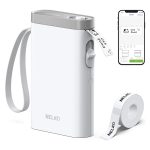
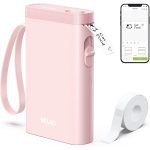
Once I got the printer back, I found the printer to be small enough to fit in my back pocket and have had it for five days and still haven't charged yet. The printer labels are supposed to give us 100+ labels and even though we are trying to label so many things, we haven't even come to the end yet.
In conclusion, I would say the printer is very portable, travels well, syncs easily to cell phones, Apple, Android, or Samsung, and is fun to make creative labels for just about anything you can think of and rather fun to use.. I highly recommend the Nelko printer it anyone looking for a good portable label maker.
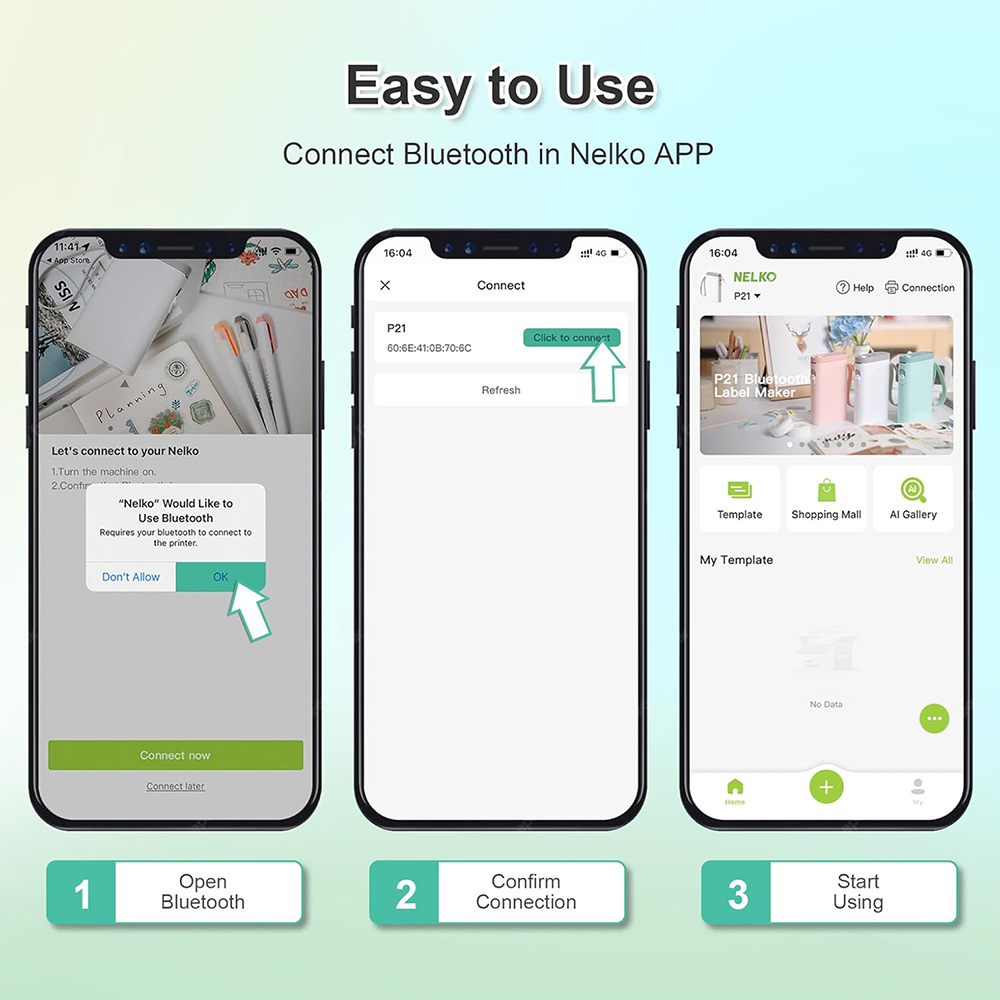
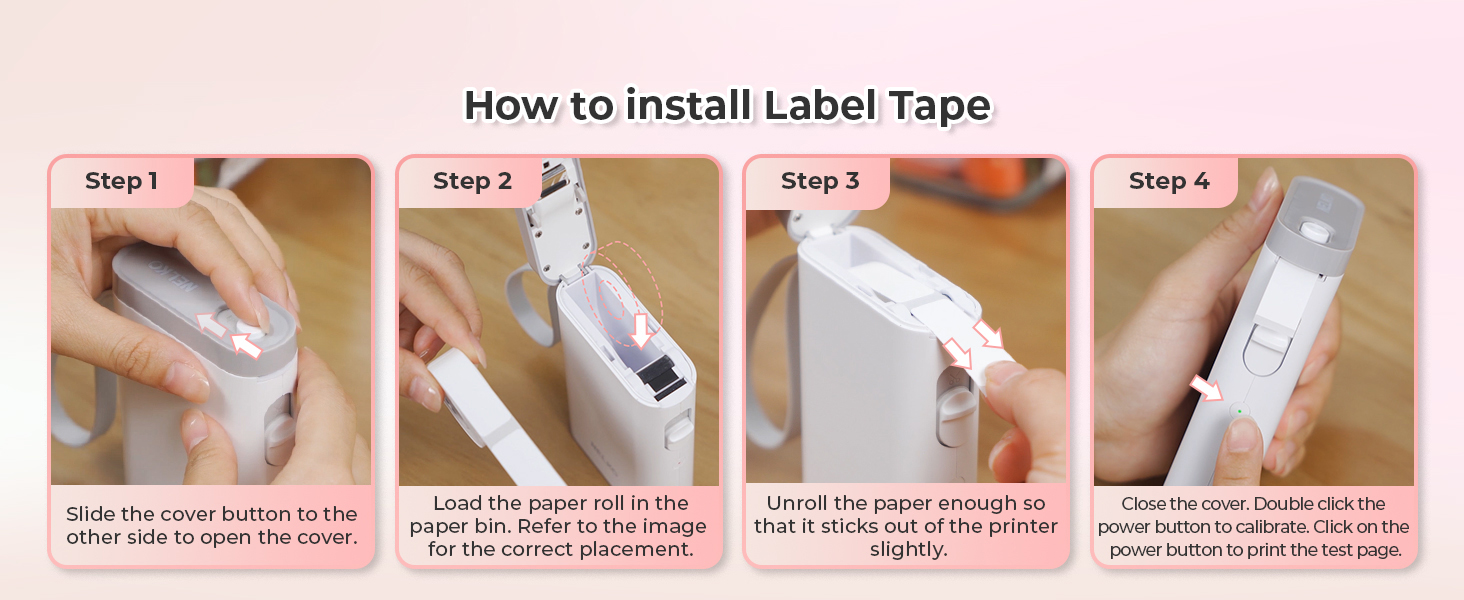
It arrived ontime and the "quick start" directions were super easy to use and in a matter of mins I was connected to my phone and making labels.
There are two things that I really like about it off the bat; 1) the labels are super sticky but organized on the roll in a way that they come right off for easy application and 2) they do not seem to fade as quickly as my other labelmakers do.
I havn't tried all the features yet but there seems to be quite a few of them and I am excited to learn all about it.
Overall, it seems like a great little labelmaker for the price and I would reccommend it to anyone in the market for a easy to use and affordable labelmaker.
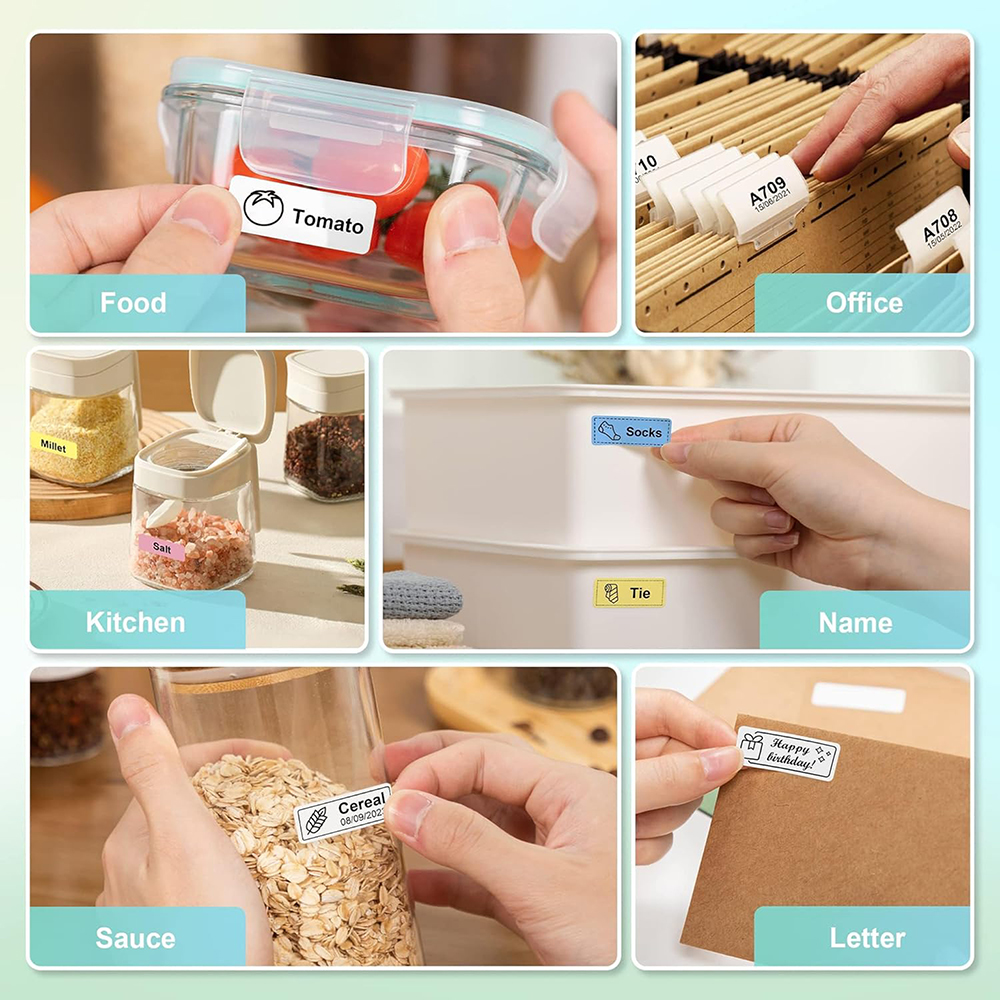
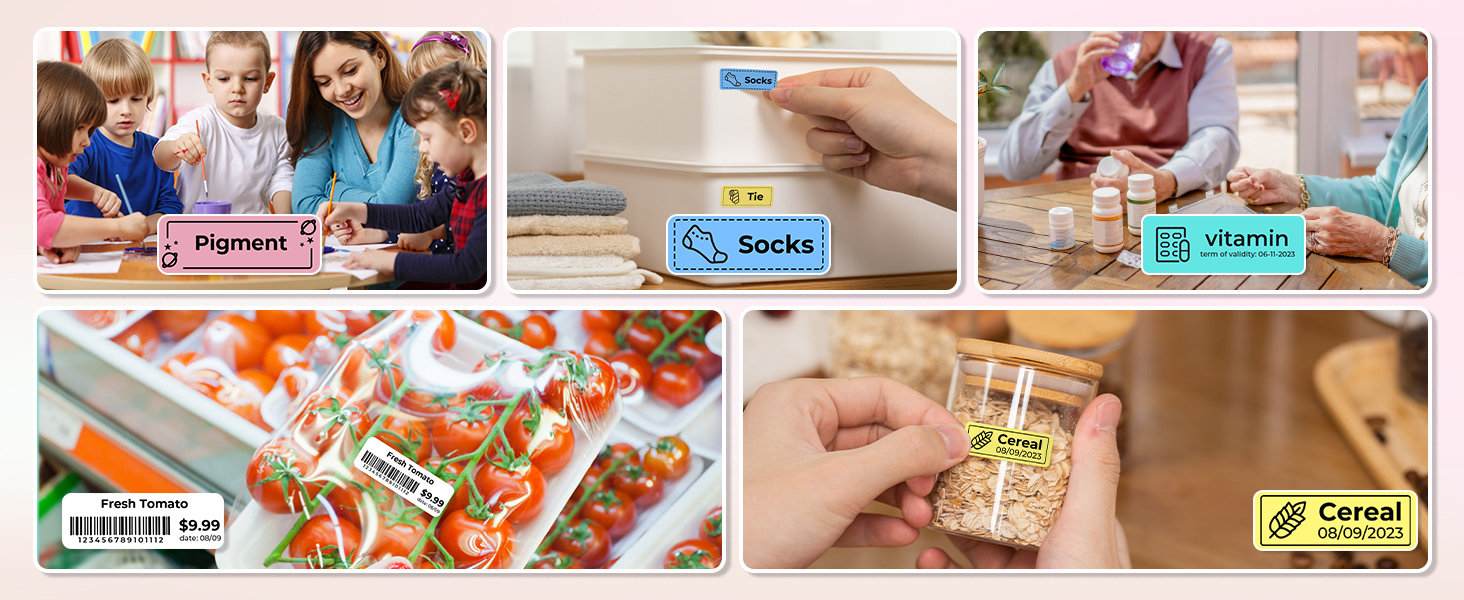
It took me a mere 5 mins to get it connected to my iPhone. I downloaded the app, the app detected the label maker, and I was in business. I’ve used these labels on jars, on Tupperware in the fridge, on appliances, and they turn out great!
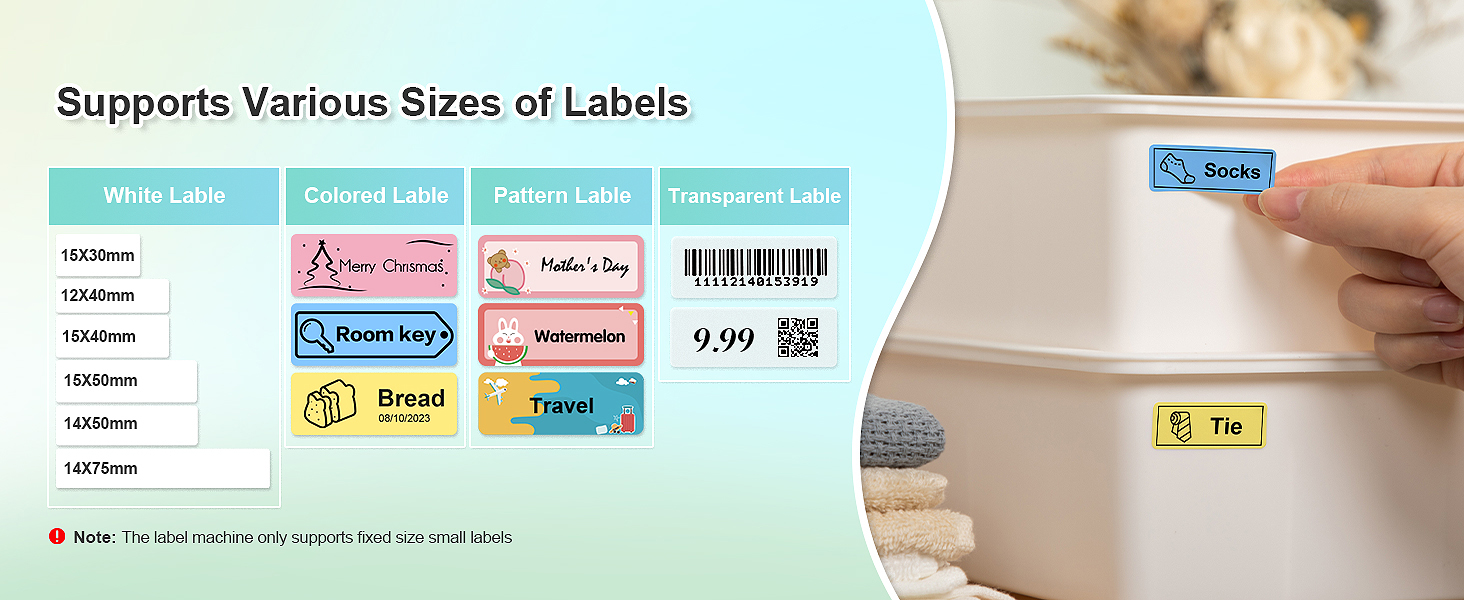
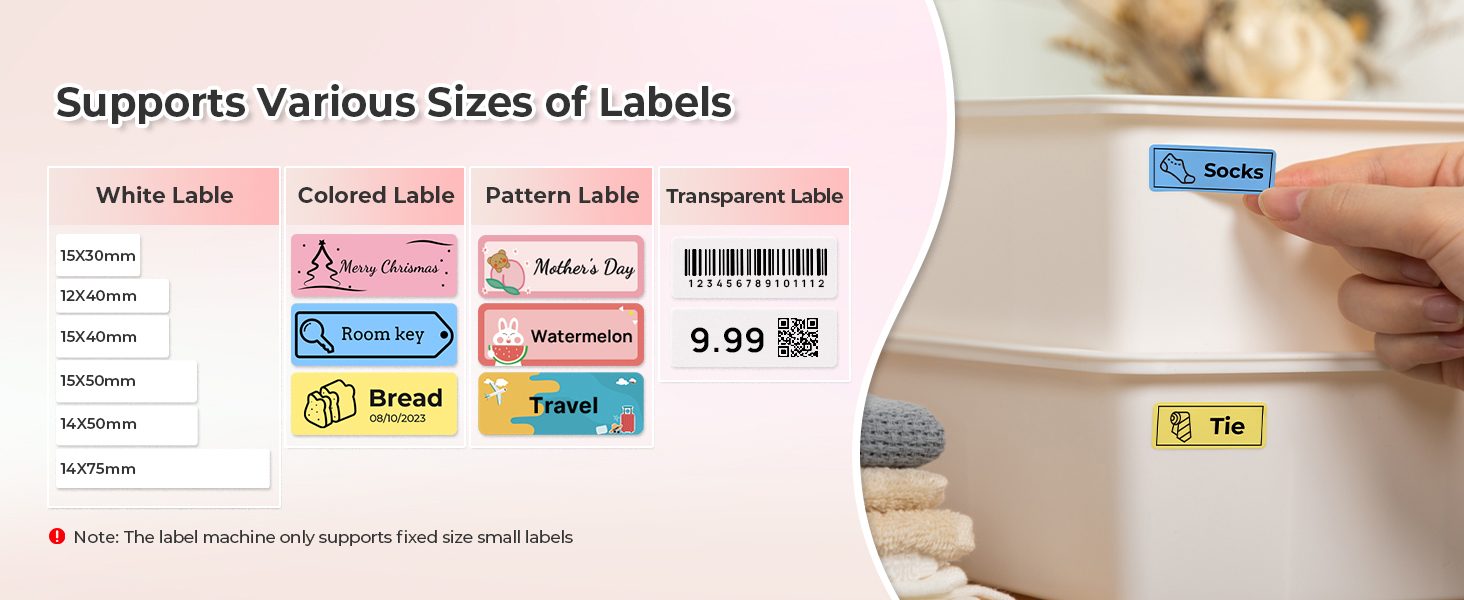
If there was one thing I would change, it would be that I wish the label maker would accept continuous label tape; and not just gap tape, but that is so not a deal breaker!
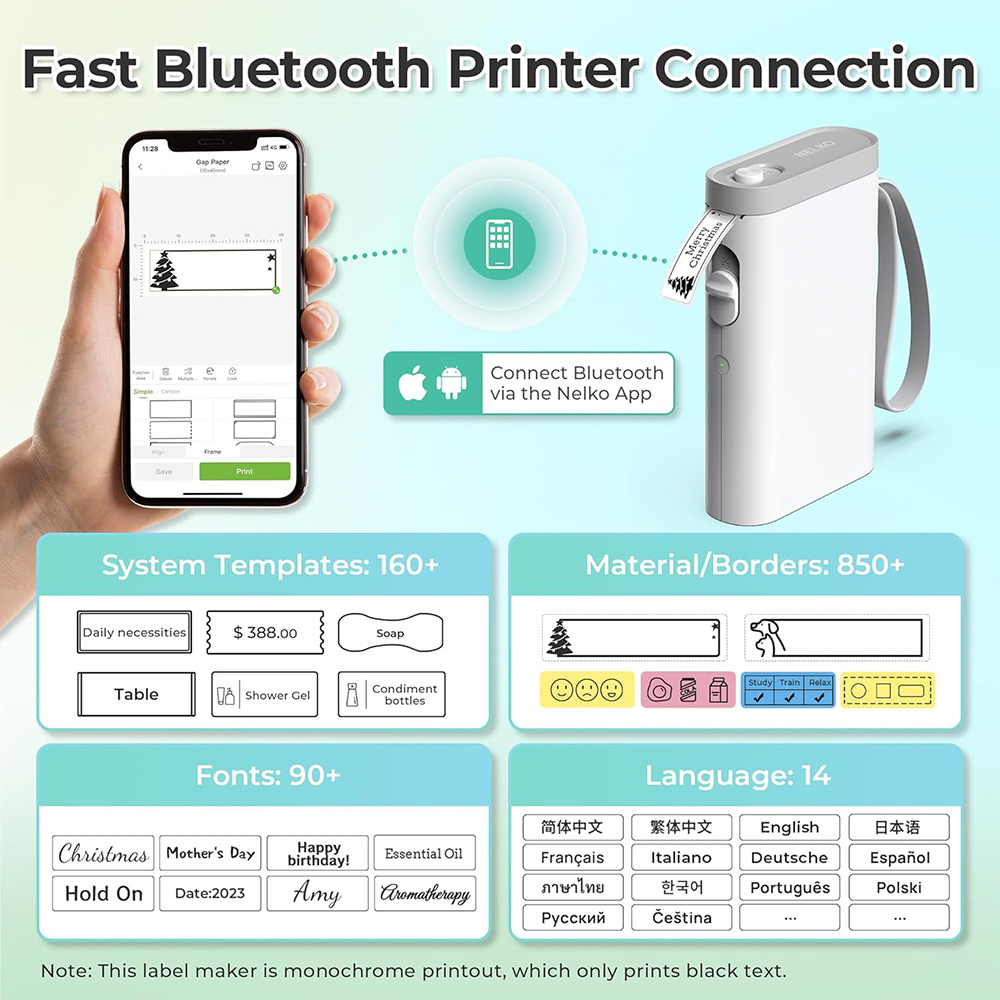
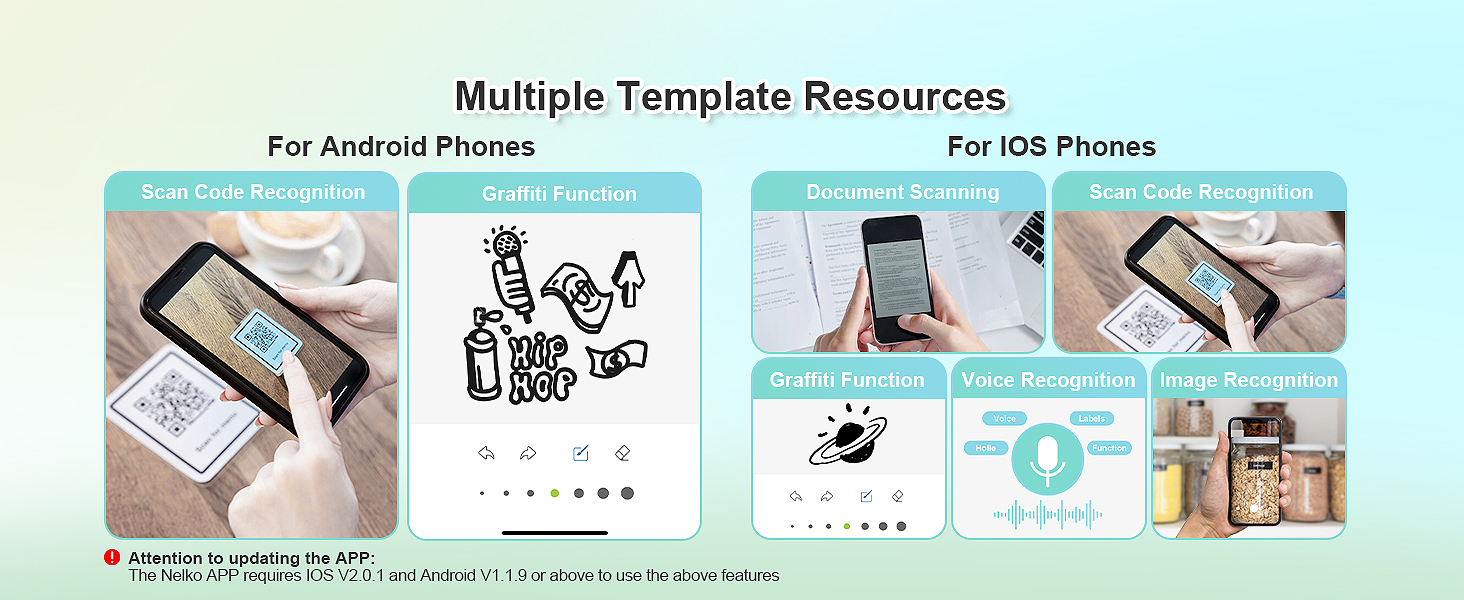
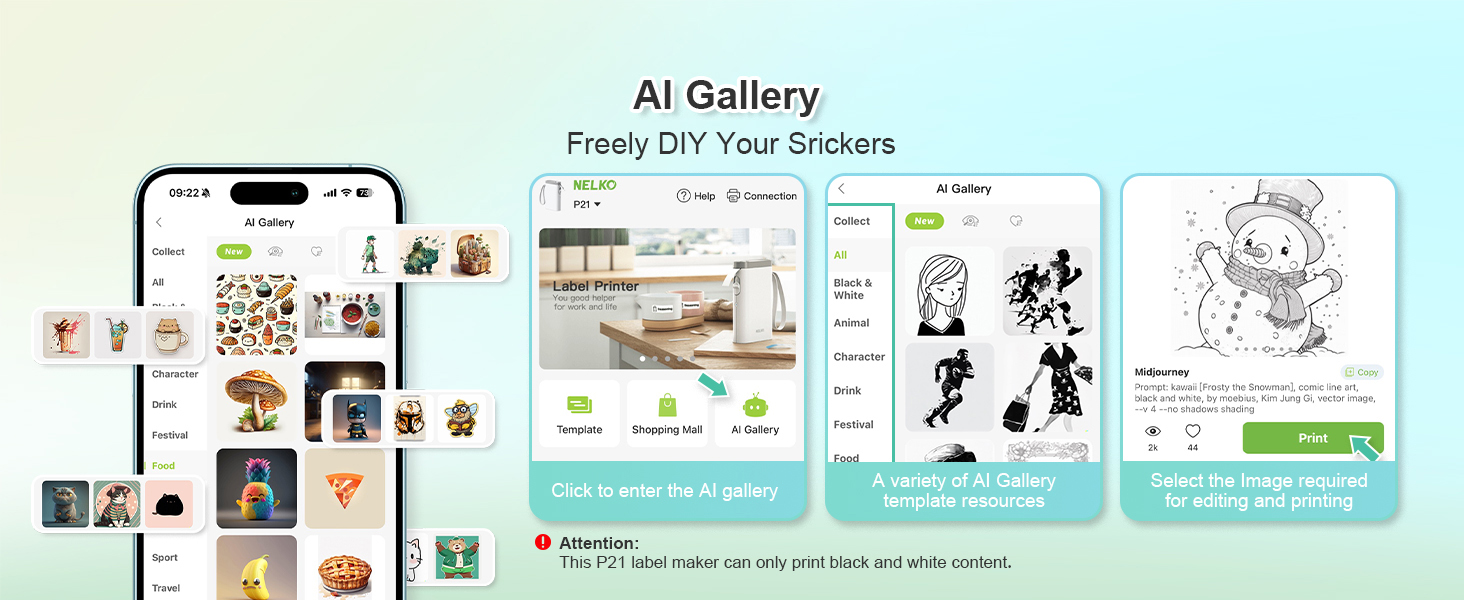
You can use images that you upload or templates they provide. Or you can just design your own right in the app. Another great feature is the QR code. With just a couple taps you can put a QR code on your label and then make a list of text for that code (example: that huge storage bin in your basement, you could create a QR code label for it and then list every item in that bin. Then when you need to get into it, you scan the QR code and can see if what you need is in there).
Overall a really great label maker, it does what you need it to, and it does it well!
First and foremost, the Bluetooth connectivity is a game-changer. Pairing the label maker with my smartphone was a breeze, and it opened up a world of possibilities. The convenience of creating and printing labels directly from my phone is fantastic. I can label items on-the-go, without being tethered to a computer or struggling with a small built-in keyboard.
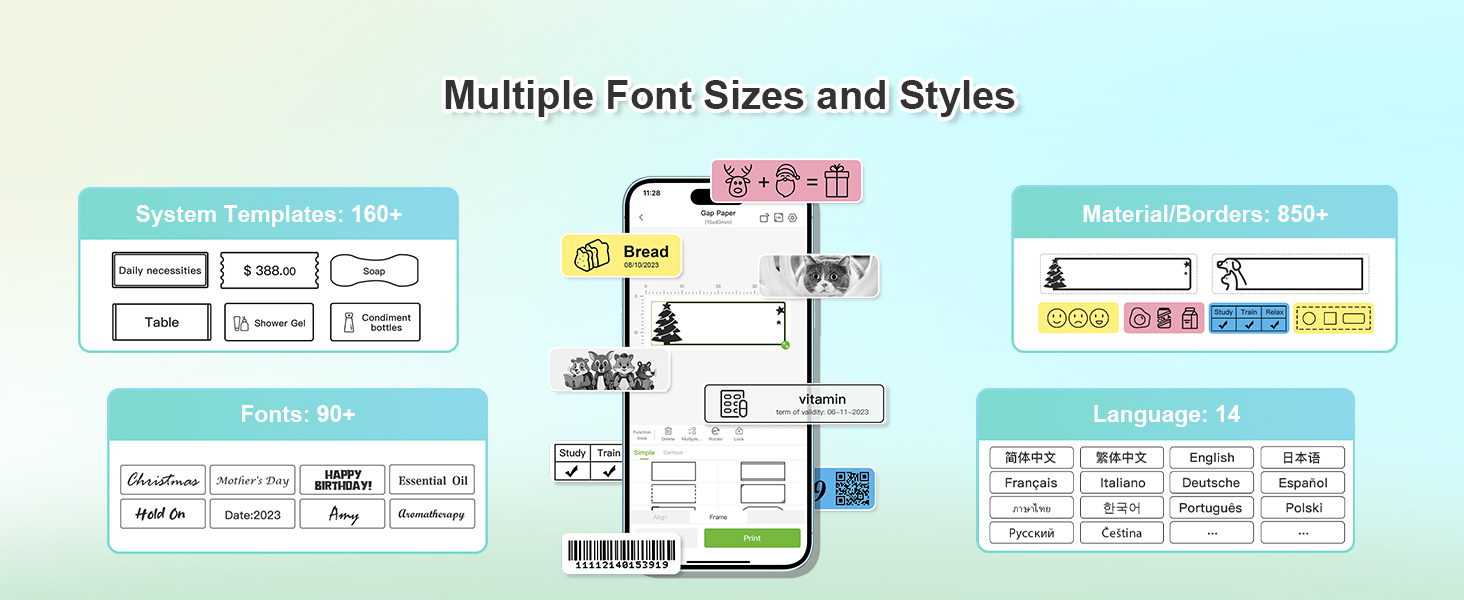
The label customization options are remarkable. The accompanying app is intuitive and user-friendly, allowing me to choose from a wide range of fonts, colors, and symbols. I can add my own images and logos, making each label truly unique.
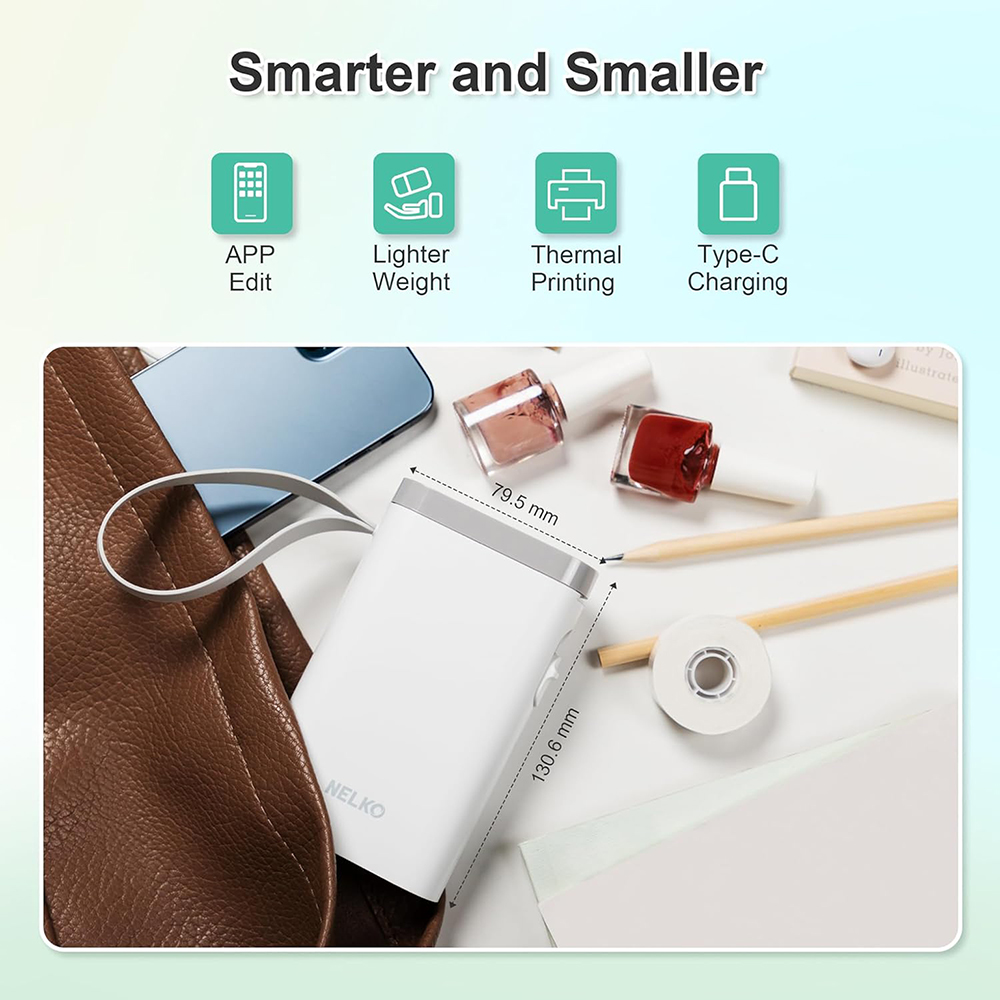
I would also like to add about it's battery life. It is impressive! I've used it for several weeks on a single charge. This feature is especially handy for extended labeling sessions or when you're on the move. The compact and lightweight design also makes it highly portable, fitting comfortably into my bag or pocket.
Overall, one of my best purchases so far!
I found using the Nelko App to be intuitive and easy to use once you become familiar with the various functions and options. You do not need to create an account to start using the App. What I found missing in the App is “UNDO” and “REDO” options. This is important when trying different labels. The way around this is to save your work before making changes. I did not remove any stars since this is an App issue and not the printer. The App developer should update and include this feature in a future update.
Thank you for taking the time to read my review and photos of this product. I hope it has been helpful in providing you with more information.
Using it was very simple too. I could design my own prints, what with the many templates that are available. The labels can be printed in as many copies as a user wants. The array of designs in the photos demonstrates that templates can be modified to suit a user’s needs: text in numerous fonts and sizes can be combined with images, in multiple lines or side-by-side. Photos can be taken fresh with the phone or loaded from memory. Scan the last two QR codes in the photos for a better feel.
Frankly, I was pleasantly surprised that a machine so simple can produce such complex prints. It is money well spent and I recommend it any day.